Line items: search and filter
What it shows
Every line item across every current repeating invoice, in one table — tax exclusive and tax inclusive shown side by side, since Xero doesn't store per-line tax individually, only the invoice-level total apportioned back to each line.
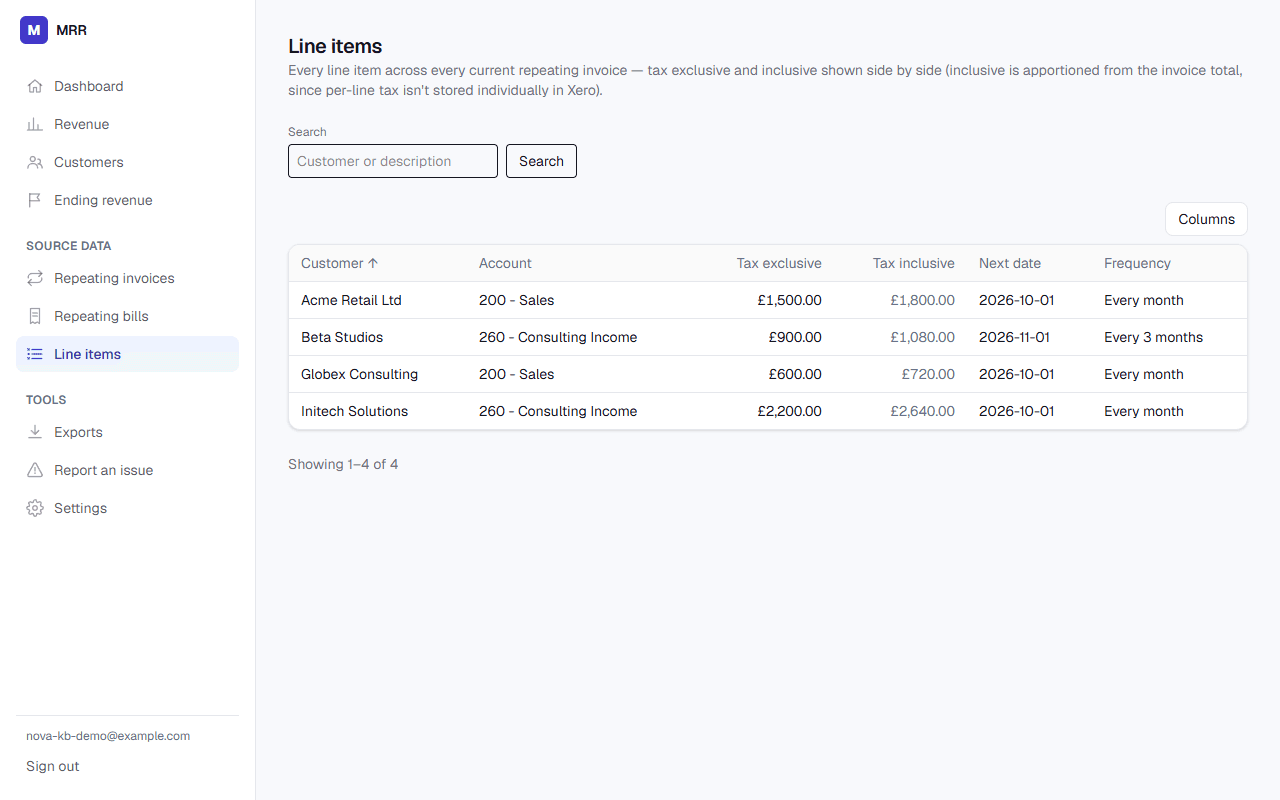
Search and filter
The search box matches against both the customer name and the line description. You can also filter to a specific customer or a specific Xero account. Results are paginated, 50 rows at a time.
What it doesn't do yet
There's no column-sort control — rows are ordered by customer name. If you need a different ordering for analysis, export the line items to CSV or Excel and sort there.